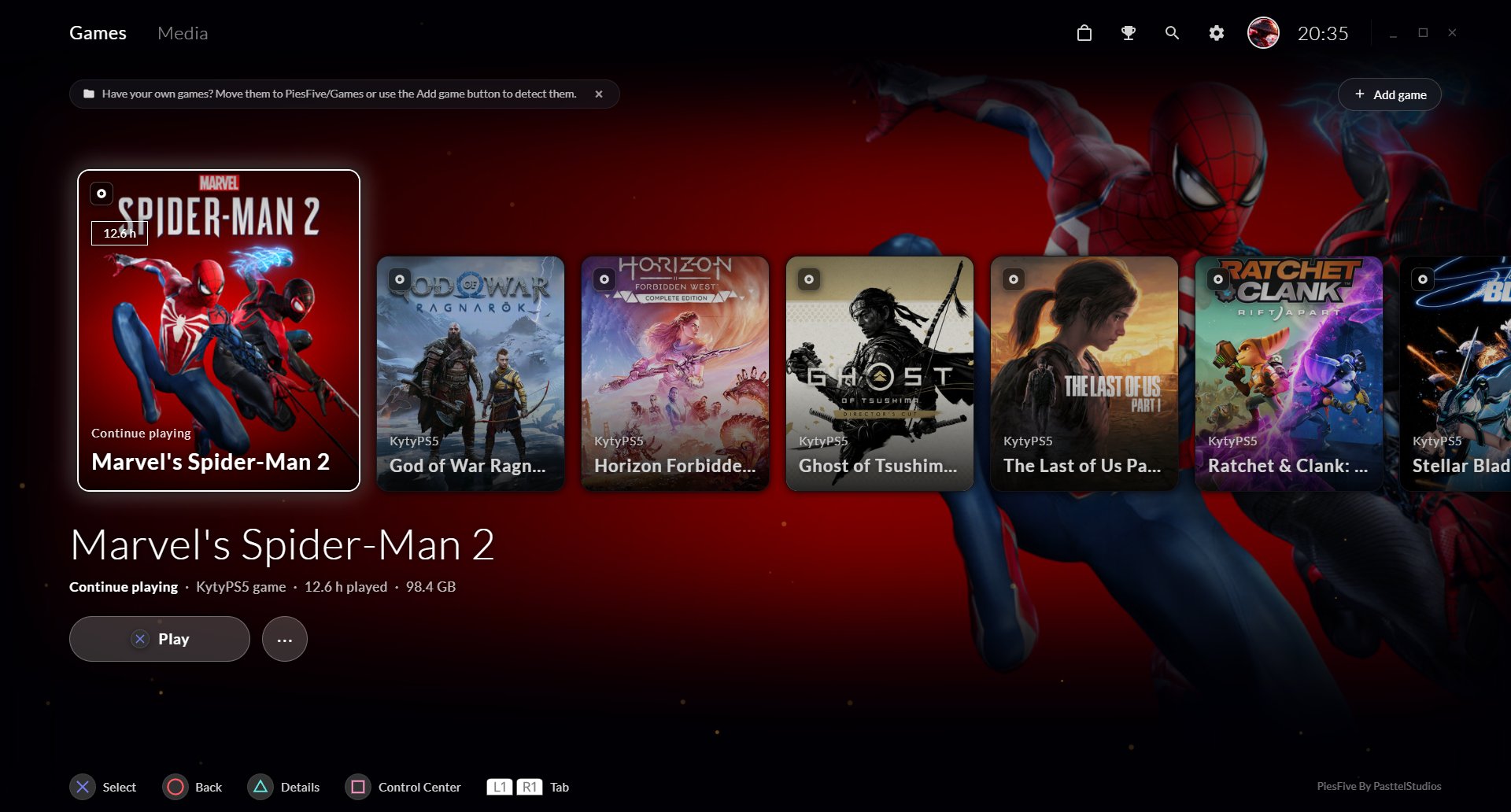
Console-like home screen
Your games front and center, with the one you played last always first and ready to continue.

By PasttelStudios
Your PC, with the soul of a console. A free, controller-first game launcher for Windows, powered by the KytyPS5 emulator.
Features
PiesFive does not emulate anything by itself. It gives KytyPS5 a beautiful home and takes care of the tedious parts for you.
Your games front and center, with the one you played last always first and ready to continue.
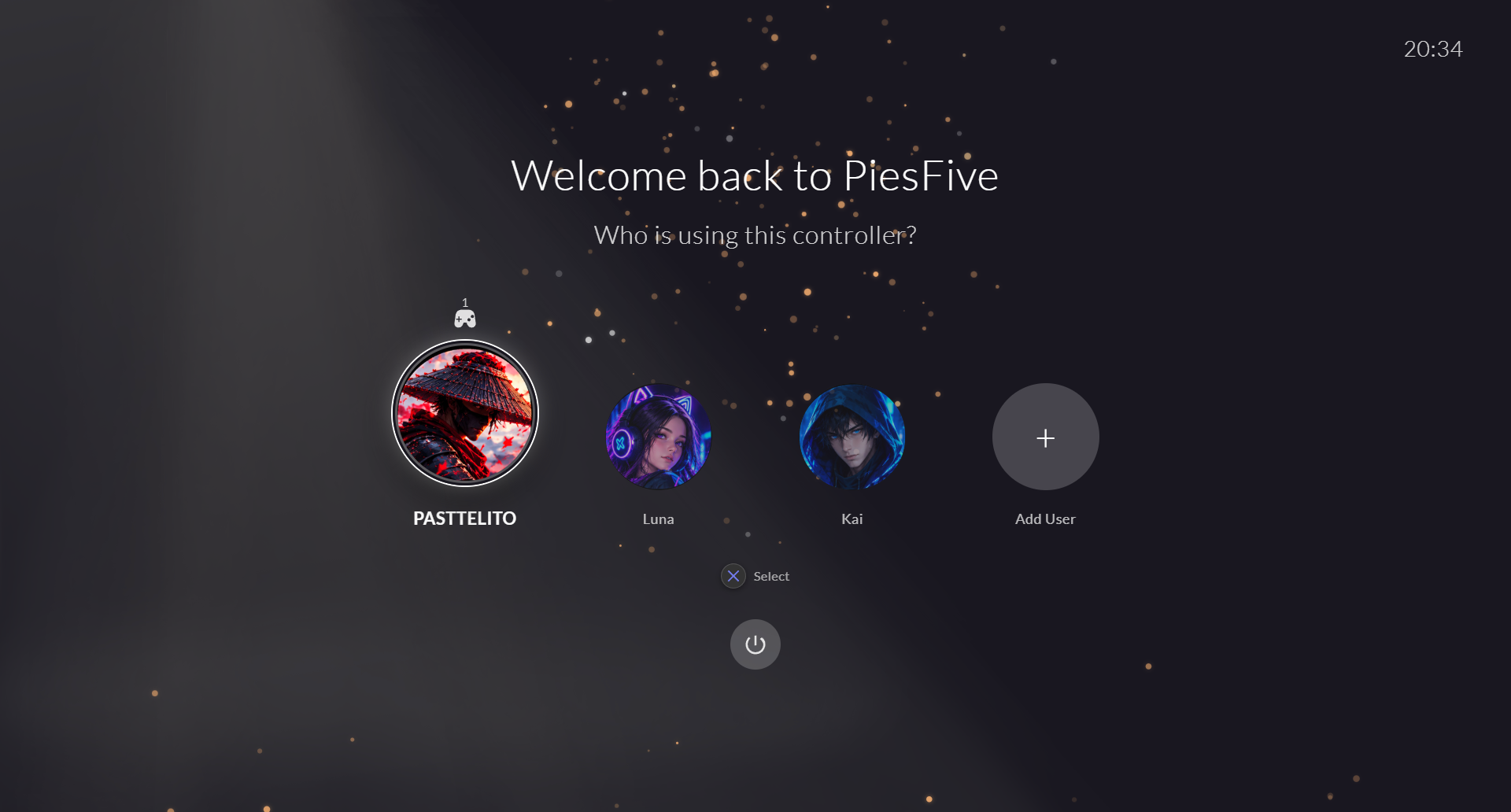
Every player gets a name, an avatar and their own saves and trophies. Renaming a profile never touches your progress.
Browse every trophy you unlock, game by game, with platinum, gold, silver and bronze progress.
Official button prompts for DualSense, DualShock 4 and Xbox, haptic feedback and a full-screen controller tester.
Resolution, V-Sync, shaders, microphone, trophy notifications and more, right from the settings. No config files.
A new KytyPS5 build giving you trouble? Go back to a previous version in one click. Your games, saves and trophies stay untouched.
PiesFive updates itself with a clean system-update screen, and keeps KytyPS5 up to date from its official releases.
Your friends see what you are playing on PiesFive, with a button to download it too.
Screenshots
Every screen is designed to be used from the couch, gamepad in hand.
How it works
Download PiesFive-Installer.exe and open it. PiesFive installs and starts by itself.
Add the games you dumped from your own console. PiesFive reads their names and artwork from the game files.
PiesFive starts KytyPS5 with your profile and settings already applied.
Saves and trophies are stored per profile and shown back to you in the interface.
Requirements
Latest release
Windows may show "Windows protected your PC" because the installer is not signed. Click More info → Run anyway.
Roadmap
FAQ
Yes. PiesFive is free to download and use under the PiesFive Freeware License. It may not be sold, claimed as someone else's work, or modified and redistributed.
No. PiesFive does not distribute games, emulator binaries or copyrighted system software. Use only game files you have obtained legally.
KytyPS5 is an independent, open-source emulator (GPL-2.0) made by its own authors. PiesFive downloads it from its official releases and launches your games through it.
When a new version is published, PiesFive shows an update screen after you open your library, installs it and restarts by itself. You can also check manually in Settings → System & Diagnostics.
DualSense, DualShock 4 and Xbox controllers, with their own button prompts. Keyboard and mouse work as well.
No. Saves and trophies are tied to a numeric user ID, not to your name. In a few games, changing the name can still affect how the game itself shows your data.